The Home Depot® Business Gift Card

Limits between $5-2000
Terms and conditionsThe Home Depot helps doers do more with their time and money. From free delivery on over one million online items to image and voice search in our award-winning app. The Home Depot makes shopping for home improvement easier than ever. It’s a good time to be a doer.
Why Send a The Home Depot® Gift Card with CardSnacks?
Unlike a standard digital gift card, CardSnacks turns your gift into an experience.
- Instant delivery by text or email
- Personalize with heartfelt (or funny!) message
- No shipping needed — delivered digitally in minutes
Related Home Gift Cards
Looking for something similar? Explore other popular home gift cards:










How It Works
Select your gift card and set the amount.
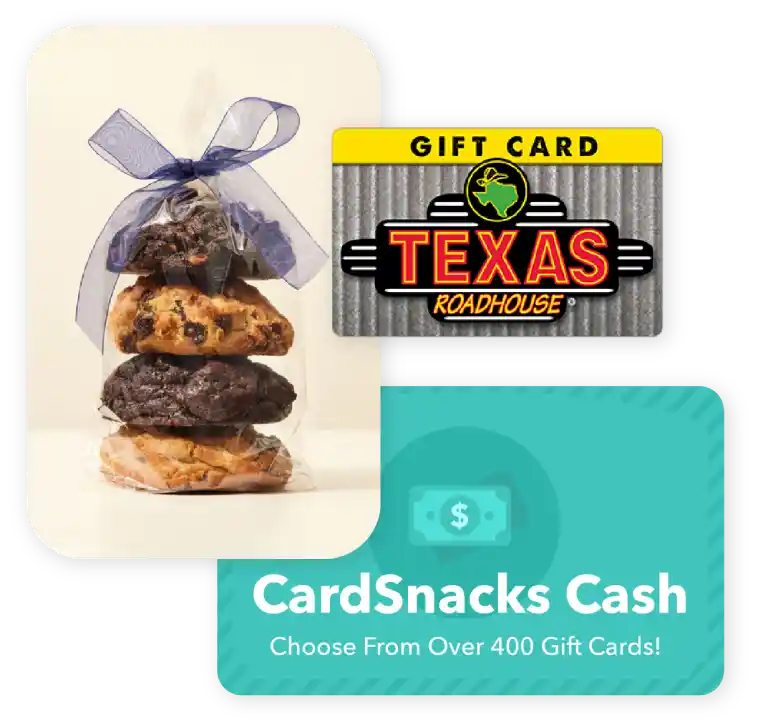
Choose from 1000s of ecard designs to make your gift card extra special.

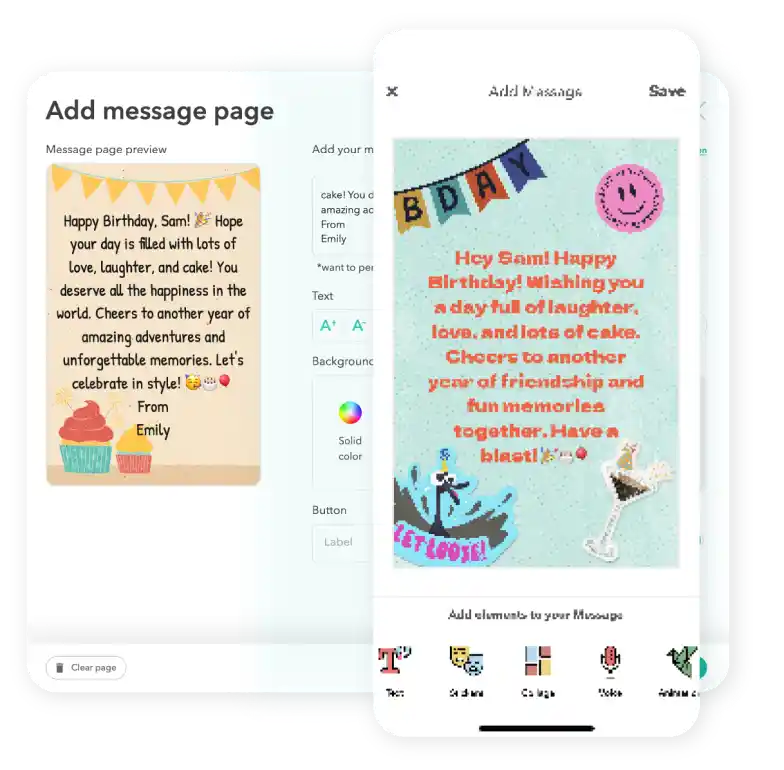
Personalize your card with a heartfelt message, stickers, gifs, & more.
Schedule your card to be sent instantly or for a future date via email or text message

The Home Depot® Digital Gift Card FAQs
Yes. Many businesses use gift card incentives to re-engage inactive customers, reward loyalty, and drive repeat purchases.
Yes. Businesses can preview the full recipient experience before launching campaigns.
Yes. You can choose a future delivery date so your The Home Depot® gift card is sent at the right time.
Yes. You can send a The Home Depot® instantly after you complete your purchase.
Yes. Owners of the account can upload a wire transfer of funds to the account to purchase gift cards. We provide the instructions within the account settings under "Business Funds".