Aquarium Business Gift Card
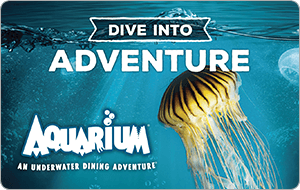
Limits between $10-500
Terms and conditionsDive into Food & Fun! Dine amongst 100s of species of marine life at our one-of-a-kind Aquarium Restaurant serving delicious seafood, steak, chicken and decadent desserts -- all in an unbelievable, underwater setting.
Why Send a Aquarium Gift Card with CardSnacks?
Unlike a standard digital gift card, CardSnacks turns your gift into an experience.
- Instant delivery by text or email
- Personalize with heartfelt (or funny!) message
- No shipping needed — delivered digitally in minutes
Related Food & Dining Gift Cards
Looking for something similar? Explore other popular food & dining gift cards:










How It Works
Select your gift card and set the amount.

Choose from 1000s of ecard designs to make your gift card extra special.

Personalize your card with a heartfelt message, stickers, gifs, & more.
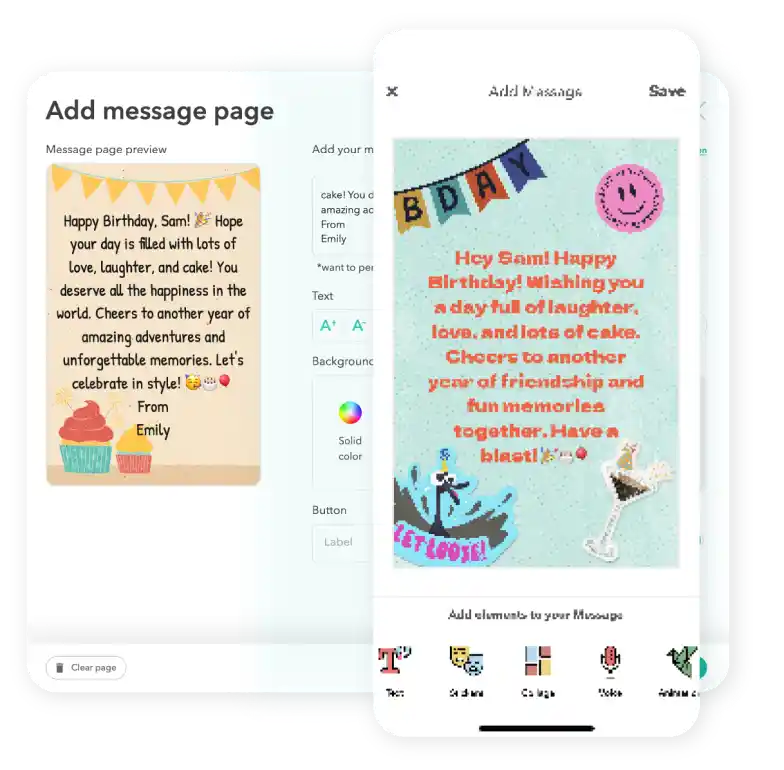
Schedule your card to be sent instantly or for a future date via email or text message

Aquarium Digital Gift Card FAQs
Yes. Detailed receipts and order reports are available for all Aquarium transactions, making expense tracking and reconciliation simple for businesses.
Yes. You can choose a future delivery date so your Aquarium gift card is sent at the right time.
Yes. You can select multiple recipients and send a Aquarium to each person in one order.
Yes. Businesses can schedule gift card campaigns ahead of time to align with product launches, holidays, promotions, or customer retention initiatives.
Yes. You can update the delivery date, recipient, or message before it is sent.