Gift Cards

National Brownie Day Nuts - National Brownie Day ecard

Looking for something different? National Brownie Day Nuts is a custom-designed ecard you'll only find on CardSnacks. Personalize everything—from the message and background to the envelope. Use the app to add fun extras like photos, videos, and stickers. Plus, choose a gift card from hundreds of popular stores. It's quick, easy, and totally unique. Whether you send it now or schedule it, the National Brownie Day Nuts ecard is sure to make someone smile. Try it today—only with CardSnacks!

More cards you might like

Brownie Day King

Brownie Day Stack ecard

Brownie Day Stack

FAQ

How will I know if my National Brownie Day Nuts ecard has been viewed by the recipient?

Once your National Brownie Day Nuts ecard is sent, you'll receive a notification when your recipient opens it. You can also check the delivery status directly in the CardSnacks app or website.

Can I use CardSnacks to send invitations as National Brownie Day Nuts ecards?

Absolutely. Many users create National Brownie Day Nuts ecards as event invitations. You can include event details, links to RSVP, and even track who RSVP'd to the invite.

Are National Brownie Day Nuts ecards customizable with my own message?

Yes! Every National Brownie Day Nuts ecard can be fully customized with your own message. You can change the text, fonts, colors, and more to match your personal style or message tone.

Can I include a gift card with my National Brownie Day Nuts ecard?

Yes! CardSnacks lets you add a digital gift card from popular retailers to your ecard. It's a fast and thoughtful way to send a gift along with your greeting.

Is there a way to favorite or bookmark National Brownie Day Nuts ecards I like?

Yes! You can save your favorite National Brownie Day Nuts ecards in your CardSnacks account for quick access and future use by clicking the heart in the top right corner of the card.
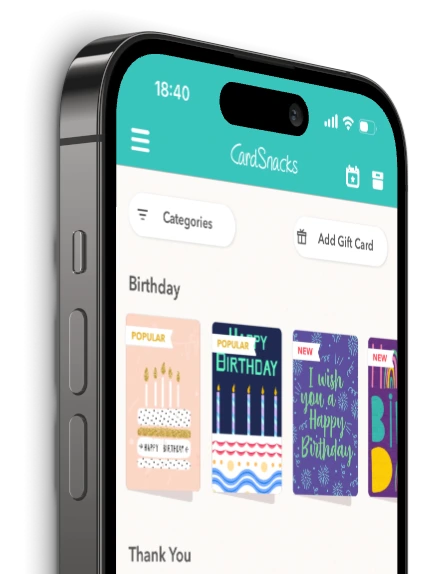
Also available on mobile
Get the #1 ranked ecard app now and access features available on mobile only!
App StoreGoogle Play
Enable accessibility mode