Gift Cards
Build your Best Friends Locket Ecard

More cards you might like


FAQs
Yes! You can include emojis, symbols, and special characters in your message to add personality and flair to your Best Friends Locket ecard.
Yes! You can save your favorite Best Friends Locket ecards in your CardSnacks account for quick access and future use by clicking the heart in the top right corner of the card.
Of course! You can save your Best Friends Locket ecard as a draft at any point and return to complete and send it whenever you're ready.
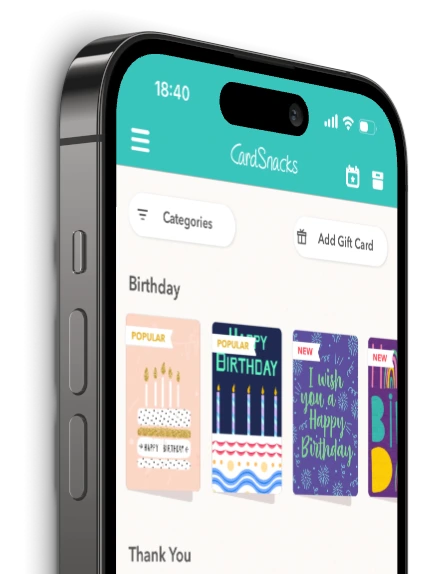
No, the recipient does not need to download an app. CardSnacks ecards can be viewed directly through a web browser on any device—just click the link in the message to open and enjoy the card instantly.
Yes! With CardSnacks, you can easily schedule your Best Friends Locket ecard to be sent at a future date and time. Just choose the "Schedule" option and select your preferred delivery time.