Strip House Gift Card

Limits between $10-500
Terms and conditionsStrip House, named one of New York’s best steak, transports you back in time to a time of indulgence, class and luxury. As the ultimate steakhouse, you will experience the combination of charred cuts perfectly paired with decadent sides and superb wines and cocktails. Your dining experience is brought to life with siren red interiors where old world glamour meets modern style and sophistication.
Why Send a Strip House Gift Card with CardSnacks?
Unlike a standard digital gift card, CardSnacks turns your gift into an experience.
- Instant delivery by text or email
- Personalize with heartfelt (or funny!) message
- No shipping needed — delivered digitally in minutes
Related Food & Dining Gift Cards
Looking for something similar? Explore other popular food & dining gift cards:






How It Works
Select your gift card and set the amount.
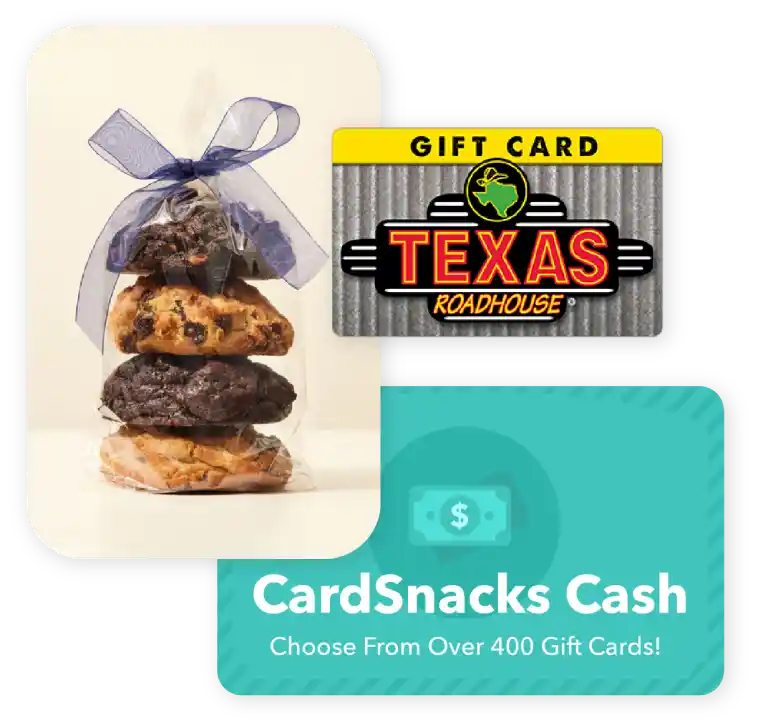
Choose from 1000s of ecard designs to make your gift card extra special.

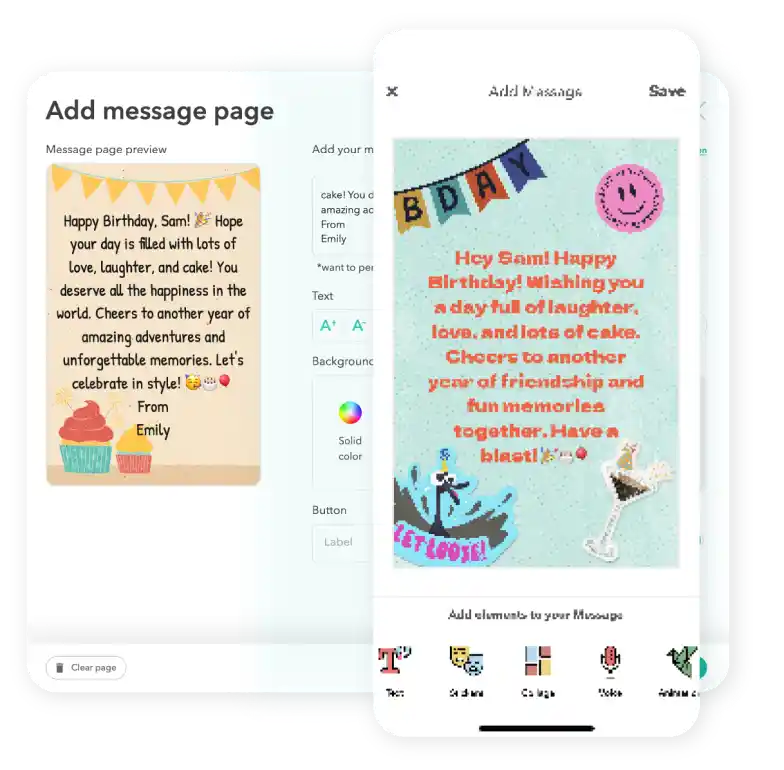
Personalize your card with a heartfelt message, stickers, gifs, & more.
Schedule your card to be sent instantly or for a future date via email or text message

Strip House Digital Gift Card FAQs
Gift cards can currently be sent internationally to recipients in Canada, the United Kingdom, and Australia. At this time, sending to other countries is not supported. Please note that availability may vary by brand and region, so we recommend reviewing the specific terms and conditions of each gift card before purchasing to ensure it can be delivered to your intended recipient.
Yes! Every gift card sent through CardSnacks is paired with a personalized eCard, so you can include your own message to make it more meaningful.
Yes! You can schedule your gift card and eCard to be delivered on a future date, so it arrives right on time for any occasion.
Yes, you can send a Strip House gift card to multiple recipients by selecting their name on the contact page and then paying for the collection of gift cards at checkout.
Yes, you can change the delivery date for your Strip House after you have it scheduled. You can update this by clicking the 3 dots next to the recipient's name and then hit "Edit Schedule Date."