Microsoft Office 365 Home 1-yr Subscription (Family) Gift Card
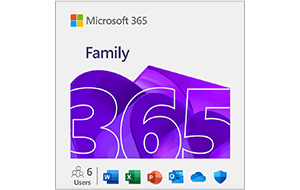
Limits between $99.99-99.99
Terms and conditionsA 12-month subscription for up to 6 people that includes powerful productivity and security apps, premium features, extra cloud storage, and advanced security for your family's digital and physical safety.
- For up to six people
- Use on 5 devices at the same time per person
- Up to 6 TB of cloud storage (1 TB per person)
- Word, Excel, PowerPoint with offline access and premium features
- Microsoft Defender advanced security for your data and devices
- OneDrive ransomware protection for your files and photos
- Outlook ad free email
- Microsoft Editor advanced spelling, grammar, and writing assistance
- Microsoft Teams all day video calling
- Advanced features in the Family Safety mobile app
- Clipchamp video editor with premium filters & effects
Why Send a Microsoft Office 365 Home 1-yr Subscription (Family) Gift Card with CardSnacks?
Unlike a standard digital gift card, CardSnacks turns your gift into an experience.
- Instant delivery by text or email
- Personalize with heartfelt (or funny!) message
- No shipping needed — delivered digitally in minutes
Related Office Gift Cards
Looking for something similar? Explore other popular office gift cards:

How It Works
Select your gift card and set the amount.
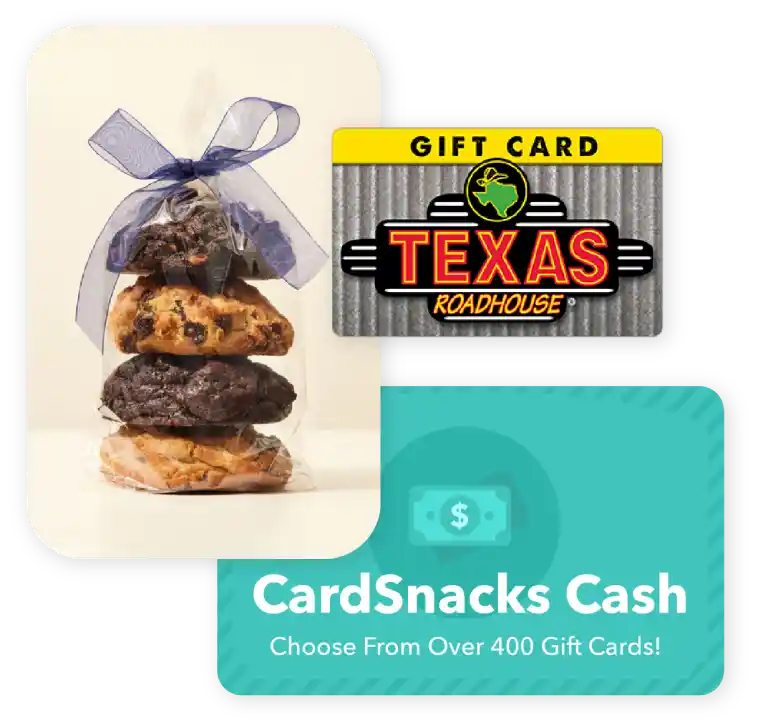
Choose from 1000s of ecard designs to make your gift card extra special.

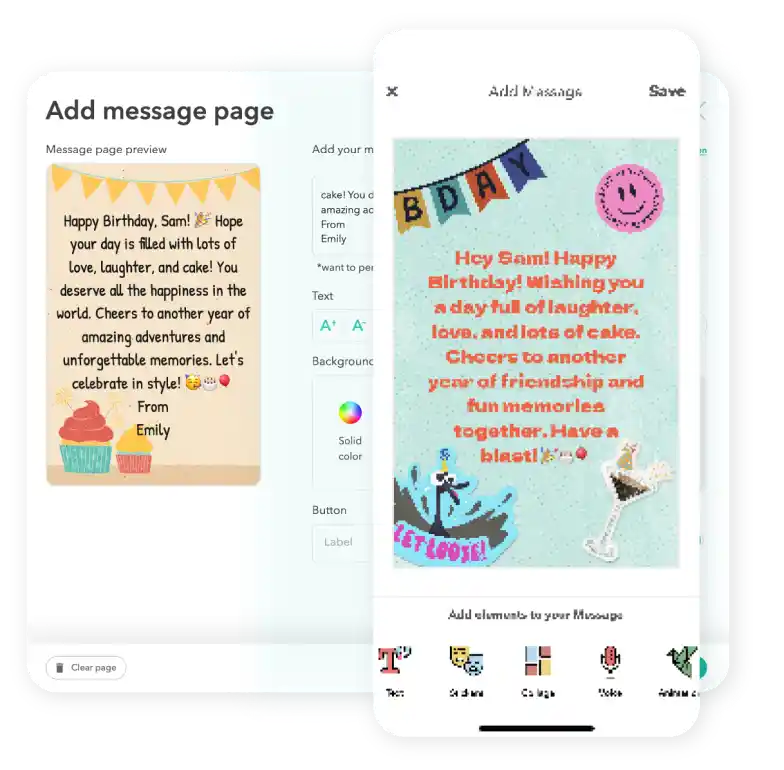
Personalize your card with a heartfelt message, stickers, gifs, & more.
Schedule your card to be sent instantly or for a future date via email or text message

Microsoft Office 365 Home 1-yr Subscription (Family) Digital Gift Card FAQs
Yes, you can preview exactly how the eCard and gift card will appear to the recipient before sending it.
Yes, you can send a Microsoft Office 365 Home 1-yr Subscription (Family) gift card to multiple recipients by selecting their name on the contact page and then paying for the collection of gift cards at checkout.
Definitely. If your recipient didn't receive or open the ecard with the gift card attached, you can easily resend it from your CardSnacks account—either to the same number/email or a different one.
You'll be notified as soon as your card (and gift card, if included) is opened. If you have notifications enabled, you'll receive an alert on your phone. You can also check the status anytime in your Shoebox or "Your Cards" section, where opened cards are clearly marked.
Yes, you can use Apple Pay or Google Pay to pay for your Microsoft Office 365 Home 1-yr Subscription (Family) gift cards.