Etsy Gift Card

Limits between $25-500
Terms and conditionsDiscover exceptional finds from independent sellers.
- Perfect for every milestone, celebration, and “just because” occasion.
- Every card you purchase supports a global community of small businesses.
- Shop confidently with Etsy’s Purchase Protection Program! Get a full refund on eligible orders if your item doesn’t arrive, is damaged, or not as described. Terms apply.
- Etsy offsets carbon emissions from every delivery for that extra feel-good factor!
Why Send a Etsy Gift Card with CardSnacks?
Unlike a standard digital gift card, CardSnacks turns your gift into an experience.
- Instant delivery by text or email
- Personalize with heartfelt (or funny!) message
- No shipping needed — delivered digitally in minutes
Related Gifts Gift Cards
Looking for something similar? Explore other popular gifts gift cards:









How It Works
Select your gift card and set the amount.
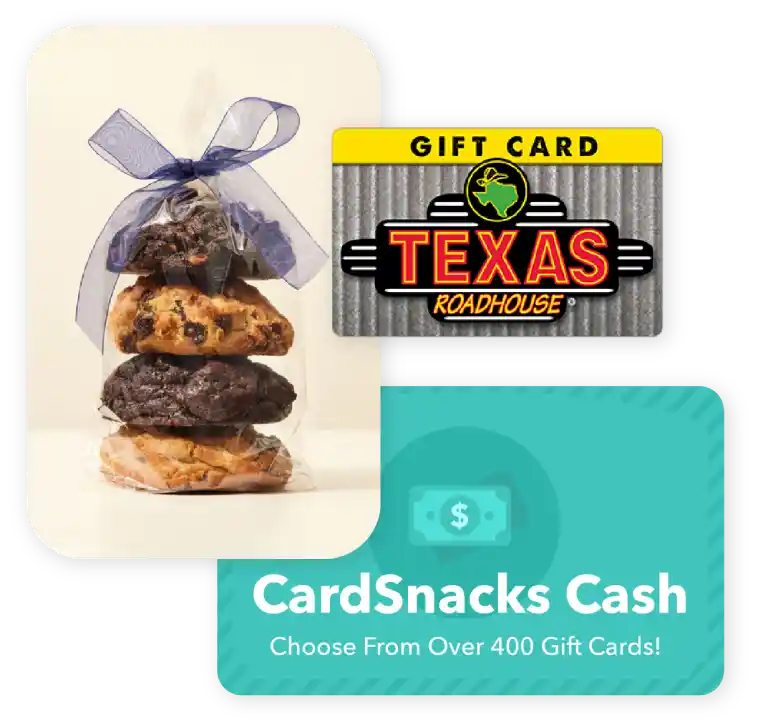
Choose from 1000s of ecard designs to make your gift card extra special.

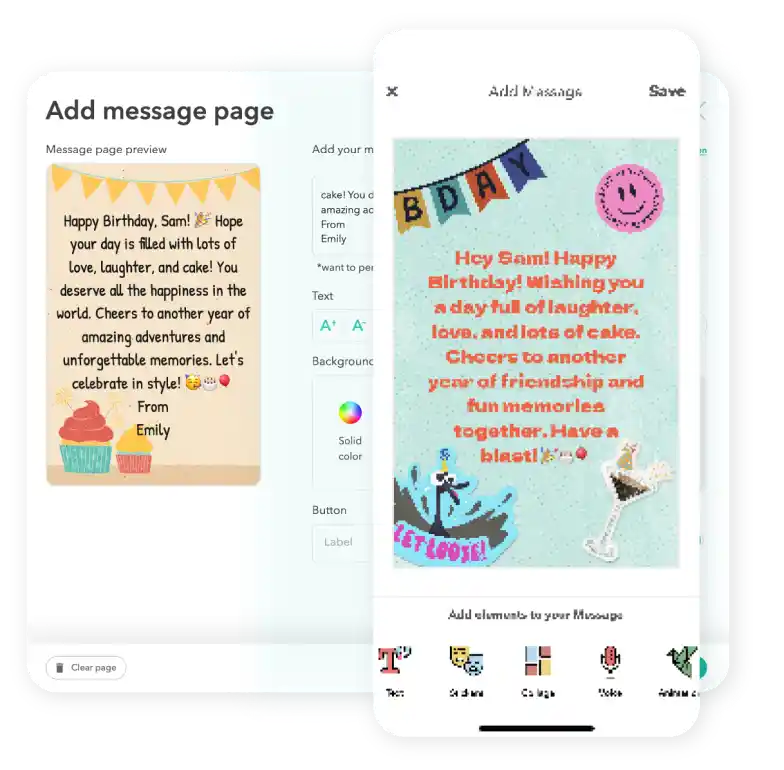
Personalize your card with a heartfelt message, stickers, gifs, & more.
Schedule your card to be sent instantly or for a future date via email or text message

Etsy Digital Gift Card FAQs
Gift cards can currently be sent internationally to recipients in Canada, the United Kingdom, and Australia. At this time, sending to other countries is not supported. Please note that availability may vary by brand and region, so we recommend reviewing the specific terms and conditions of each gift card before purchasing to ensure it can be delivered to your intended recipient.
Definitely. If your recipient didn't receive or open the ecard with the gift card attached, you can easily resend it from your CardSnacks account—either to the same number/email or a different one.
No, you are not able to combine multiple gift cards into one card. We only allow one gift card per ecard sent.
Yes! You can schedule your gift card and eCard to be delivered on a future date, so it arrives right on time for any occasion.
Yes, you can change the delivery date for your Etsy after you have it scheduled. You can update this by clicking the 3 dots next to the recipient's name and then hit "Edit Schedule Date."