Burger King Gift Card

Limits between $5-1000
Terms and conditionsEvery day, more than 11 million guests visit BURGER KING® restaurants around the world. And they do so because our restaurants are known for serving high-quality, great-tasting, and affordable food. Founded in 1954, BURGER KING® is the second largest fast food hamburger chain in the world. The original HOME OF THE WHOPPER®, our commitment to premium ingredients, signature recipes, and family-friendly dining experiences is what has defined our brand for more than 50 successful years.
Why Send a Burger King Gift Card with CardSnacks?
Unlike a standard digital gift card, CardSnacks turns your gift into an experience.
- Instant delivery by text or email
- Personalize with heartfelt (or funny!) message
- No shipping needed — delivered digitally in minutes
Related Food & Dining Gift Cards
Looking for something similar? Explore other popular food & dining gift cards:





How It Works
Select your gift card and set the amount.
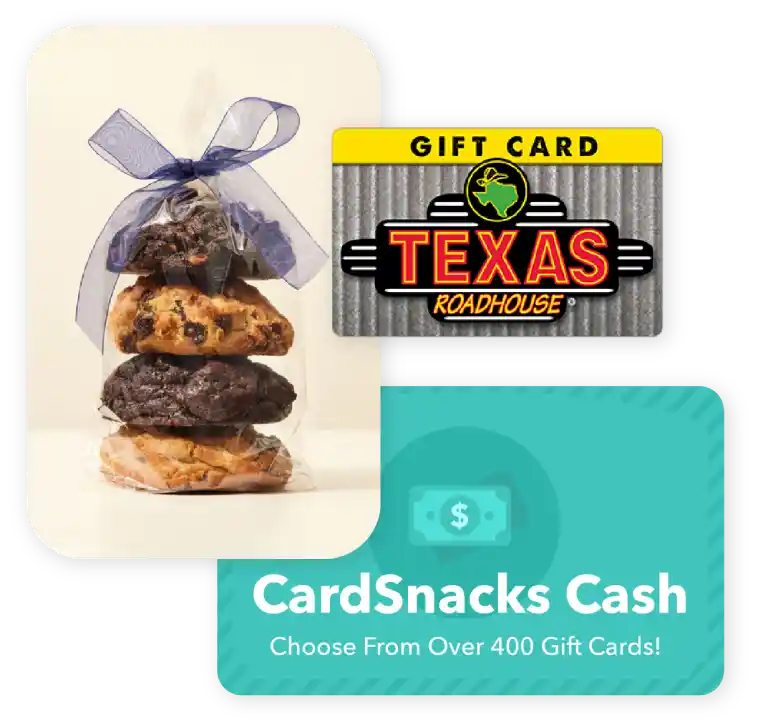
Choose from 1000s of ecard designs to make your gift card extra special.

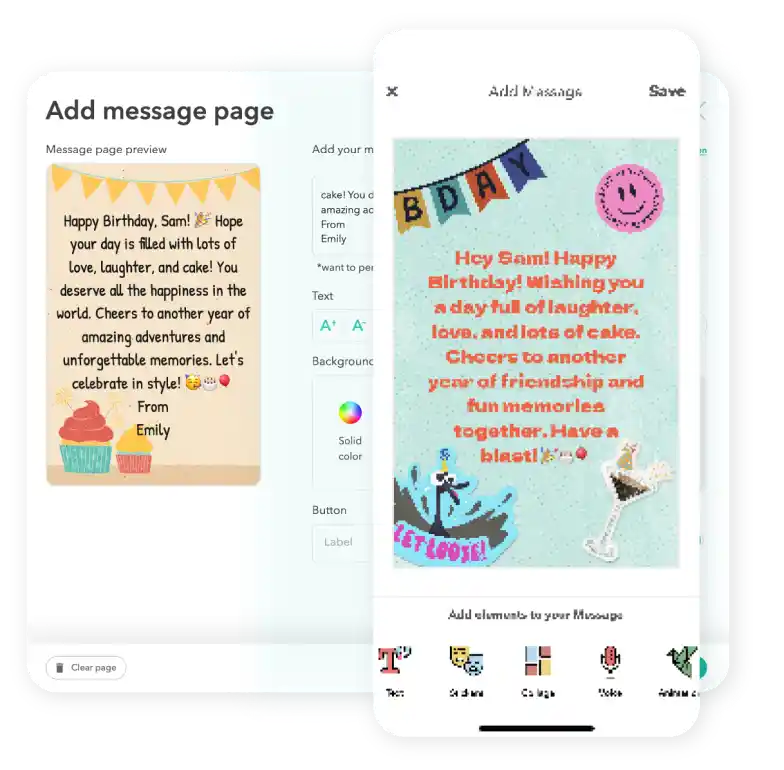
Personalize your card with a heartfelt message, stickers, gifs, & more.
Schedule your card to be sent instantly or for a future date via email or text message

Burger King Digital Gift Card FAQs
You'll be notified as soon as your card (and gift card, if included) is opened. If you have notifications enabled, you'll receive an alert on your phone. You can also check the status anytime in your Shoebox or "Your Cards" section, where opened cards are clearly marked.
Yes, you can send your gift card last minute or schedule it ahead of time to be sent via text message or email.
Yes, you can invite others to sign the eCard and contribute messages, making it perfect for group gifting moments like birthdays, celebrations, or team occasions.
Yes, you can complete a purchase without saving your payment information. Your details are only used for that transaction.
Yes, you can change the delivery date for your Burger King after you have it scheduled. You can update this by clicking the 3 dots next to the recipient's name and then hit "Edit Schedule Date."