Buffalo Wild Wings® Gift Card
Limits between $5-250
Terms and conditionsBuffalo Wild Wings® is a sports bar with beer and wings and a crazy amount of TVs showing all the games. And rowdy fans and all the sauces for all the wings. Did we mention beer? Because we pour more beer than anyone in the country. So bring your friends, your outside voice and cheer on your favorite team to victory at any of our 1,200+ locations nationwide.
Why Send a Buffalo Wild Wings® Gift Card with CardSnacks?
Unlike a standard digital gift card, CardSnacks turns your gift into an experience.
- Instant delivery by text or email
- Personalize with heartfelt (or funny!) message
- No shipping needed — delivered digitally in minutes
Related Food & Dining Gift Cards
Looking for something similar? Explore other popular food & dining gift cards:

How It Works
Select your gift card and set the amount.
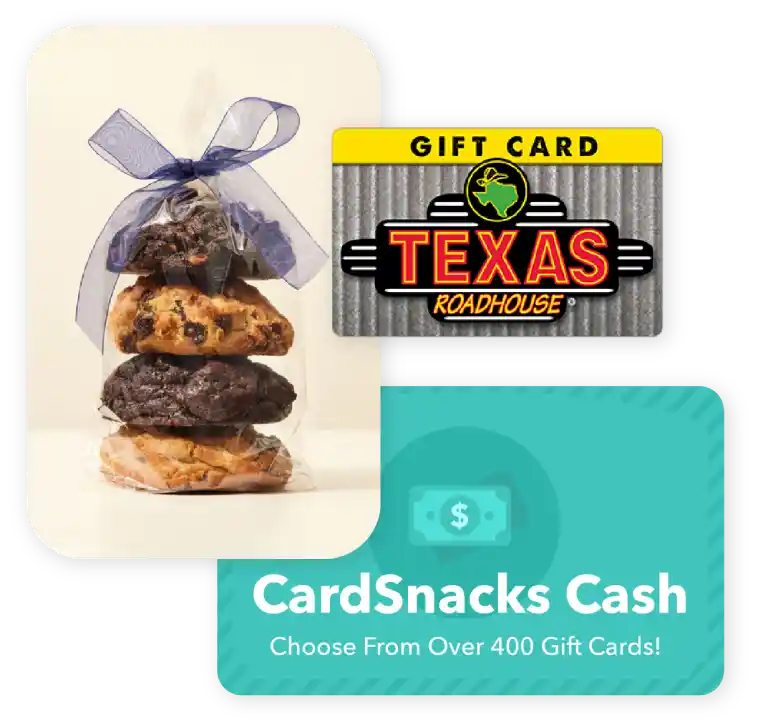
Choose from 1000s of ecard designs to make your gift card extra special.

Personalize your card with a heartfelt message, stickers, gifs, & more.
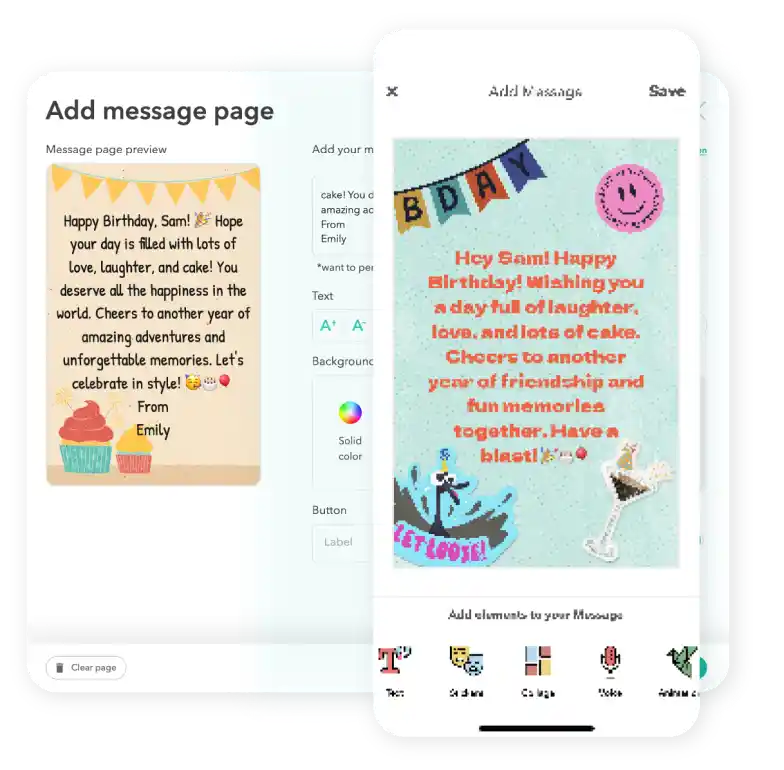
Schedule your card to be sent instantly or for a future date via email or text message

Buffalo Wild Wings® Digital Gift Card FAQs
Yes, you can update your payment method before completing your purchase. Once an order is placed, the payment method cannot be changed.
Definitely. If your recipient didn't receive or open the ecard with the gift card attached, you can easily resend it from your CardSnacks account—either to the same number/email or a different one.
Yes, you can complete a purchase without saving your payment information. Your details are only used for that transaction.
Yes, you can change the delivery date for your Buffalo Wild Wings® after you have it scheduled. You can update this by clicking the 3 dots next to the recipient's name and then hit "Edit Schedule Date."
Yes, you can preview exactly how the eCard and gift card will appear to the recipient before sending it.