Arby's Gift Card
Limits between $15-100
Terms and conditionsThe Arby's brand purpose is Inspiring Smiles Through Delightful Experiences™. Arby's delivers on its purpose by celebrating the art of Meatcraft® with a variety of high-quality proteins and innovative, crave-able sides, such as Curly Fries and Jamocha shakes. Arby's Fast Crafted® restaurant services feature a unique blend of quick-serve speed combined with the quality and made-for-you care of fast casual.
Why Send a Arby's Gift Card with CardSnacks?
Unlike a standard digital gift card, CardSnacks turns your gift into an experience.
- Instant delivery by text or email
- Personalize with heartfelt (or funny!) message
- No shipping needed — delivered digitally in minutes
Related Food & Dining Gift Cards
Looking for something similar? Explore other popular food & dining gift cards:

How It Works
Select your gift card and set the amount.
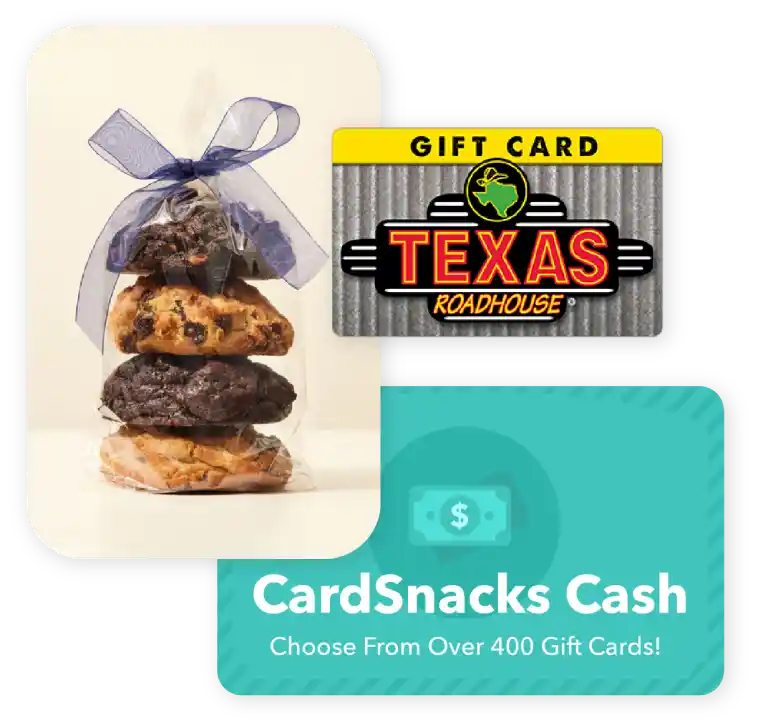
Choose from 1000s of ecard designs to make your gift card extra special.

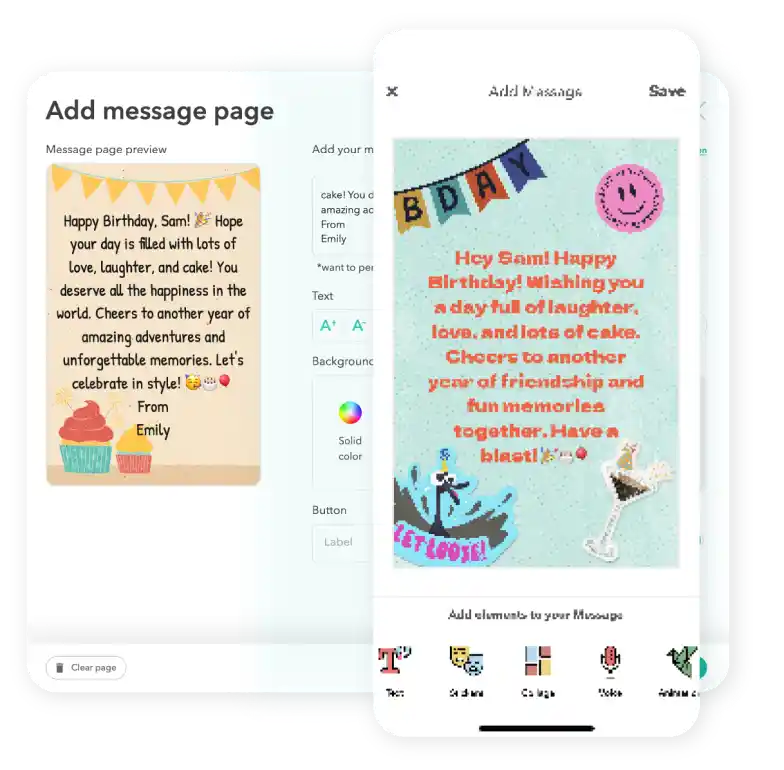
Personalize your card with a heartfelt message, stickers, gifs, & more.
Schedule your card to be sent instantly or for a future date via email or text message

Arby's Digital Gift Card FAQs
No, you are not able to combine multiple gift cards into one card. We only allow one gift card per ecard sent.
Yes, you can use Apple Pay or Google Pay to pay for your Arby's gift cards.
Yes! Every gift card sent through CardSnacks is paired with a personalized eCard, so you can include your own message to make it more meaningful.
Yes, you can change the delivery date for your Arby's after you have it scheduled. You can update this by clicking the 3 dots next to the recipient's name and then hit "Edit Schedule Date."
Yes, you can send a Arby's gift card to multiple recipients by selecting their name on the contact page and then paying for the collection of gift cards at checkout.